This can be done. Set the text editor background to Editor. First, click the three-lined Menu at the top-left, then File > View and Show Dual Previews.
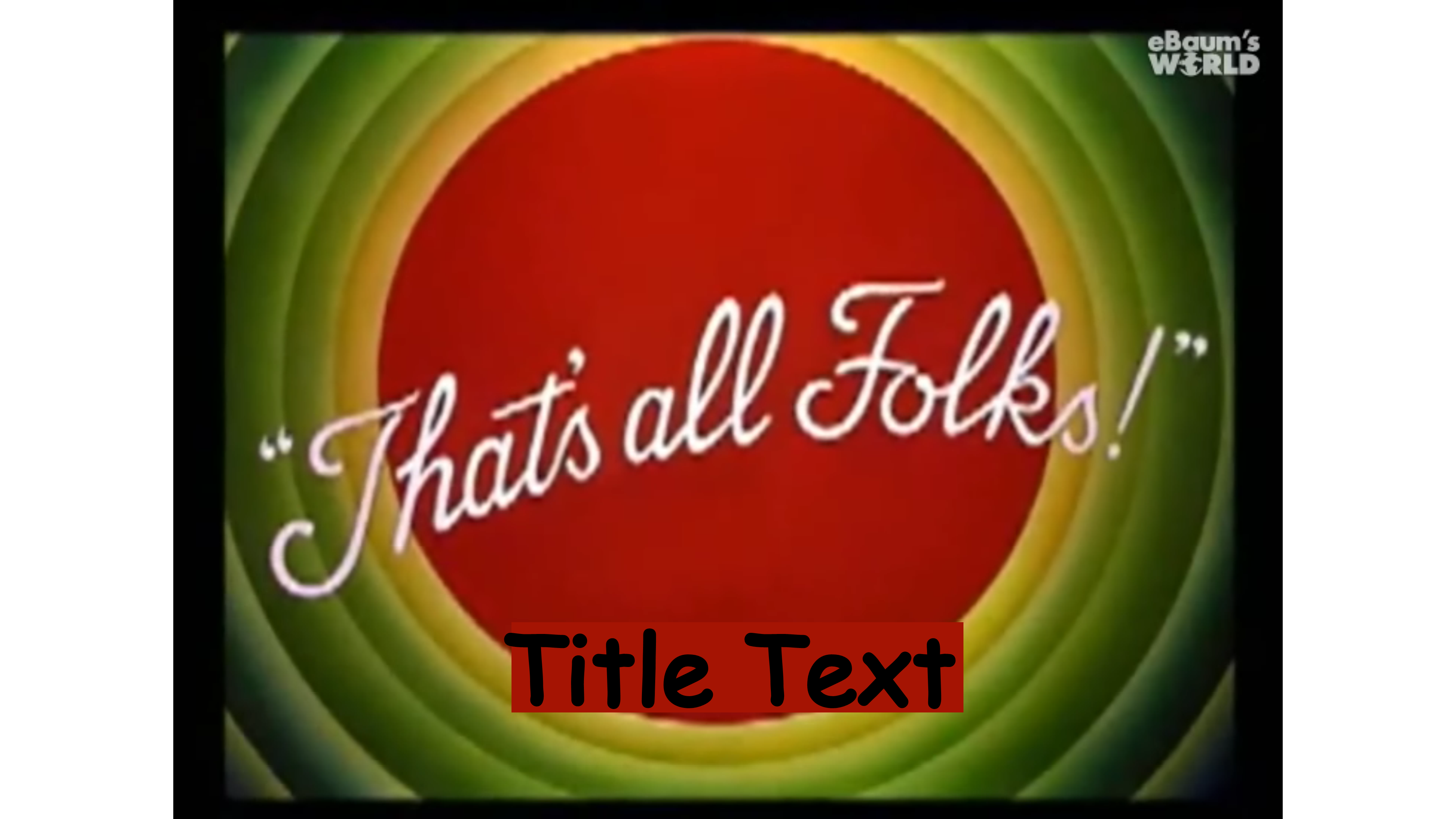
Compose text and place it on track three.
Create a blank clip. Choose Color. Click the picker icon. Place it on the target background in the PV window and click. As you exit click Add Color.
Drop the blank clip onto track two, directly below the text clip, then click the EFX icon and choose Crop. Set the aspect ratio to None. Crop and position the blank.
The length of both the text clip and the blank can be changed by dragging their handles.

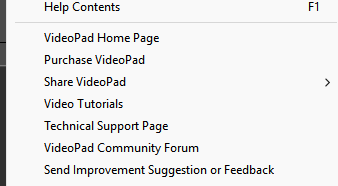
You can file a suggestion with NCH by clicking the caret at the top-right of the window.