Hi
Normally the text has a transparent background and doesn't cover up the image. It usually will appear like this...
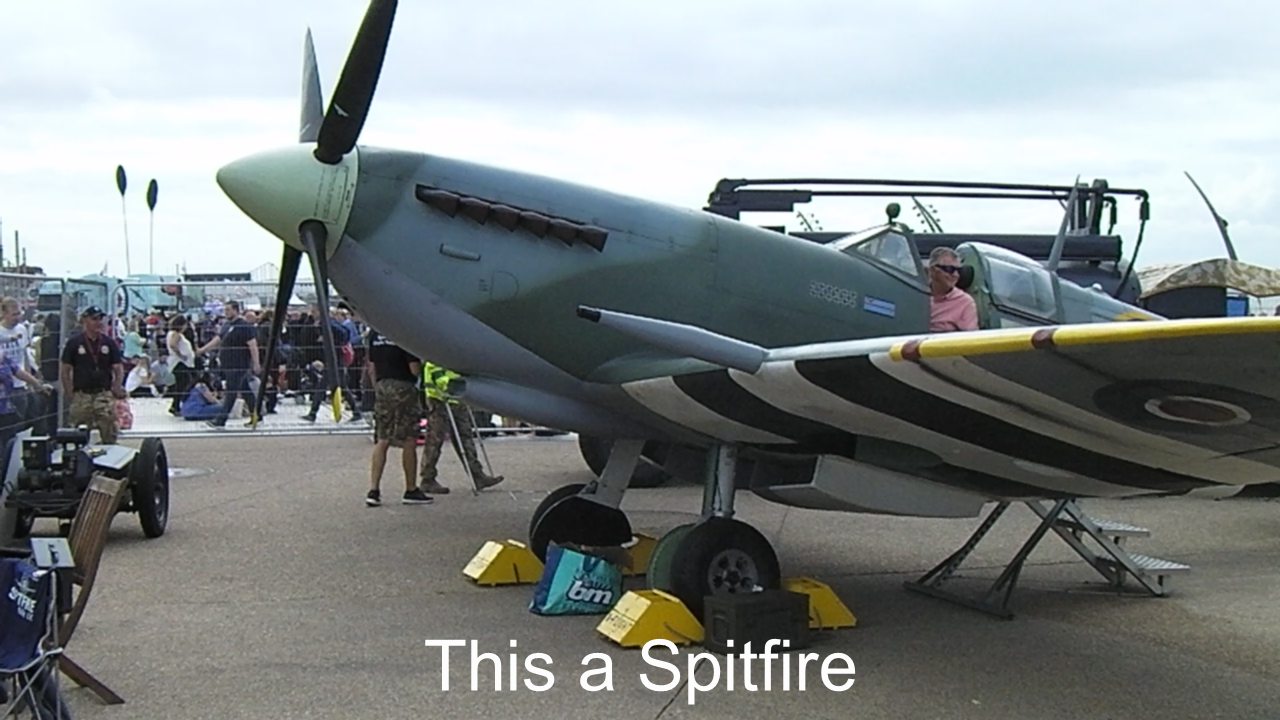
In this example it is set to appear at the bottom of the frame. If it is covering up the image then check that in the text editor you haven't set the text background option.
If you want it to appear in a blank part of the video..say it the bottom. You should crop the bottom of the frame, Place a blank black clip on Track 1, the video on Track 2 and the text on Track 3...
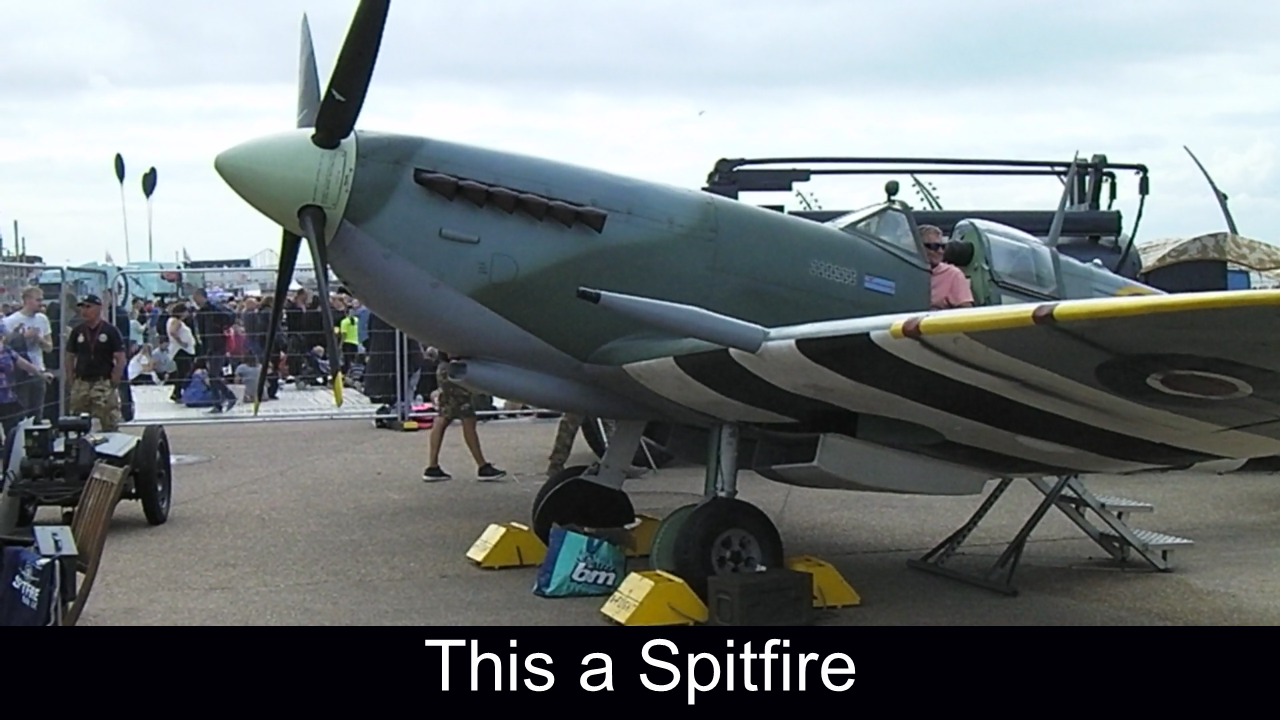
This loses a little of the frame at the bottom. You can also keep the same tracks but use Position to move the video clip up above the text. This achieves the same result apart from losing top of the frame.
The text can be positioned either in the text editor or the text image can be positioned where you want it with the Position effect.
There are other ways such as Scaling the clip (not AR) but that will introduce borders on all sides. These are probably the simplest.
Nat
