Hi
This is not normally done but you can edit two videos and see both at the same time if you use Split Screen effect. However you will have to split and cut the two tracks and the two audio tracks individually.
Place video 1 on Track 1
Place video 2 on Track 2 above Video 1
Click the FX for Video 1 and choose the Split Screen effect.
Set the layout as Horizontal 2
Place Track 1 (Video 1) in Box A
Repeat for Video 2 and Place Track 2 (Video 2) in Box B
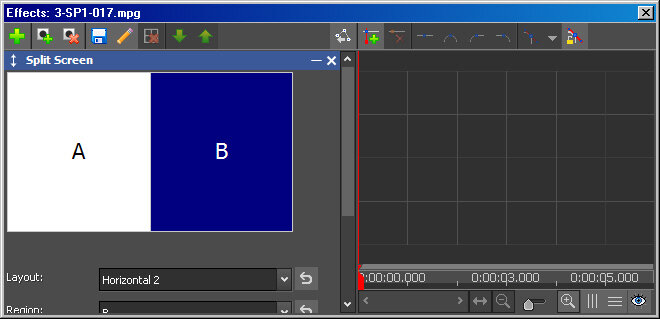
You will now see Both tracks in the Sequence Preview screen side by side.
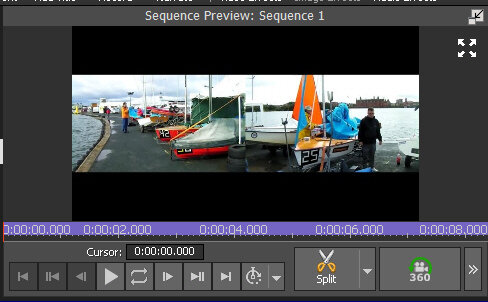
When editing split individual tracks using the Split option present under the Sequence Preview screen. (Shown above)
Nat