Hi
There should be no black between properly positioned clips unless it exists in the the clips themselves.
Use the Position effect to place the clips side by side and centre them. Monitor the result in Sequence Preview. Setting dual displays makes thing easier. There should be no black or grey bar between them.......
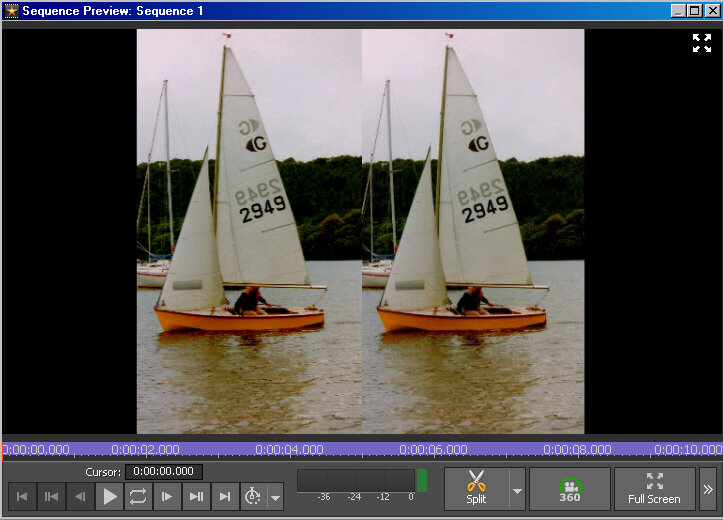
As you are using portrait clips the total AR even when placed side by side and centred as above, will not be the same as the full frame so there will be black borders to each side unless the clips are scaled up to eliminate them in which case you will lose the top/bottom.
If you are not bothered about a black bar between the clips then use the Split Screen effect on both with Horizontal 2 layout.....
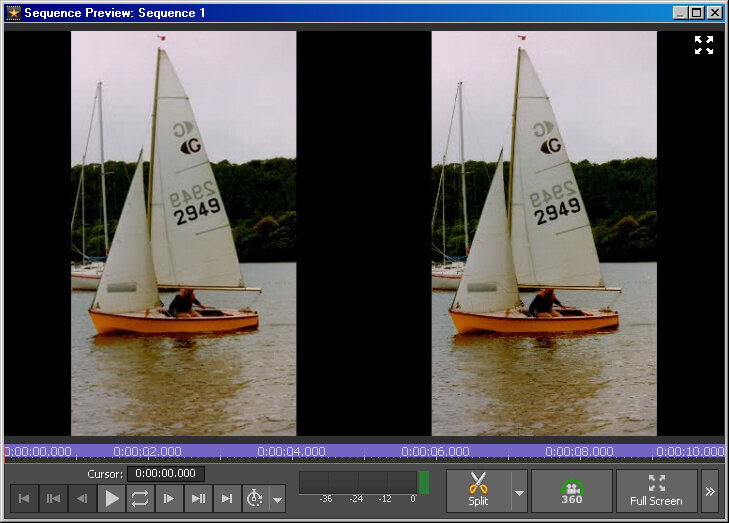
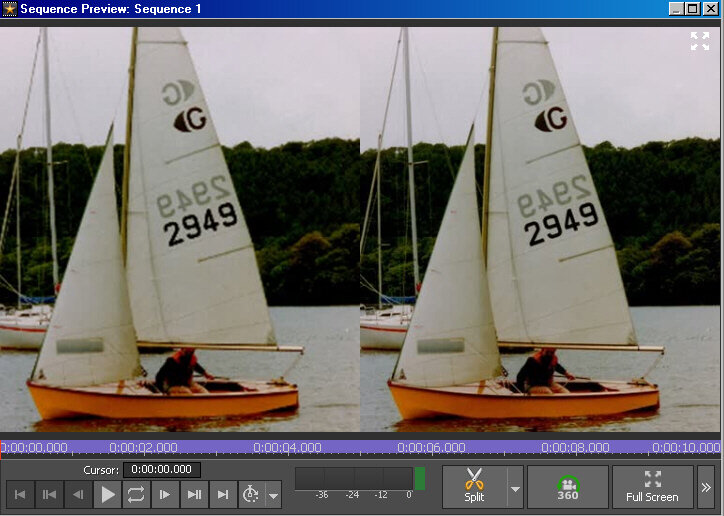
If you don't want a black bar between them then set the Resizing Mode control to Fill Region the clips will fit side by side with some sides (top/bottom) cropped. Use the Bias values to re-position each clip in its box to best suite the subject matter...
Nat