Hi
As an example of Crop and Scale...
16:9 clip at full screen...
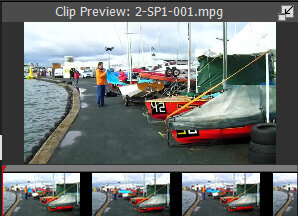
After using Crop and retaining the AR at 16:9 and clip preview rectangle moved to area required......
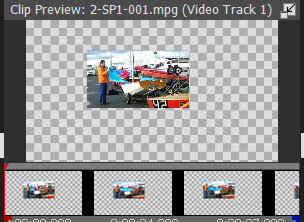
The chequered area is transparent. (If this clip was on Track 2 with another clip below it on Track 1 you would have Picture in Picture. )
Now the result is Scaled to full screen in Clip Preview using the square handles and centred using the circle......but Keeping the aspect ratio.....by ticking the box.........
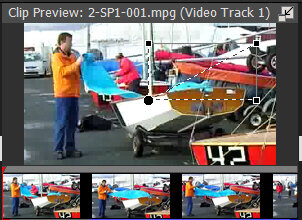
The export is what you now see in the Sequence Preview window.....
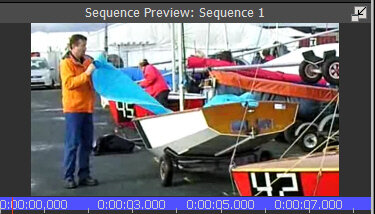
Zoom is simpler to use and will crop and enlarge the selected area back to full screen in one step but choose the 16:9 AR from the list. Again what you see in Sequence Preview is what is exported.
Nat