Hi
"...... You must have beefed up your box, Nat.😄 ......"
🙂 No. same old Vista system! Bit of difference in definition with your two images. There is a delay in getting a sharp preview image when setting up a zoom with such a large image and mine looked pretty clear on export as I didn't zoom in quite to your area so did a repeat on the same area as yours.
This is the area I started with in my first zoom test with this jpg. It's the first first frame from VLC 1920 x 1080 mp4 ....
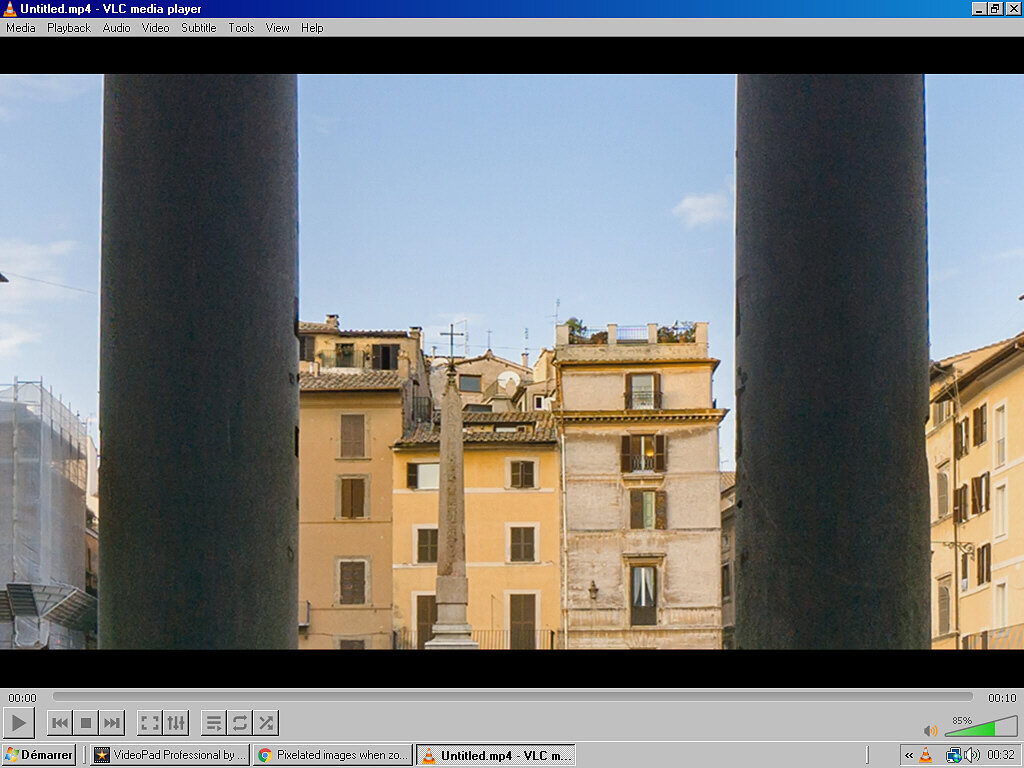
This looks acceptable and the zoom out was smooth.
However...Odd result on a repeat though..... I hadn't closed VP so I simply readjusted the first keyframe to outline a smaller area (the same as yours) and waited for the VP previews to become les blurred (clear) They didn't- and the export was rubbish. (VERY blurred. ) Back in VP the previews had remained blurred until I clicked the (still blue) FX box to bring up the zoom effect window, whereupon the previews suddenly got much sharper. However the export was again rubbish.
Playing around a bit I found hat setting a keyframe made it suddenly blur. Clicking the blue FX box sharpened it again. Setting a second keyframe made it blur (full frame image in the preview this time) then re clicking FX sharpened it again. Export still crap though. Distinctly poorer than the very first export (image above).
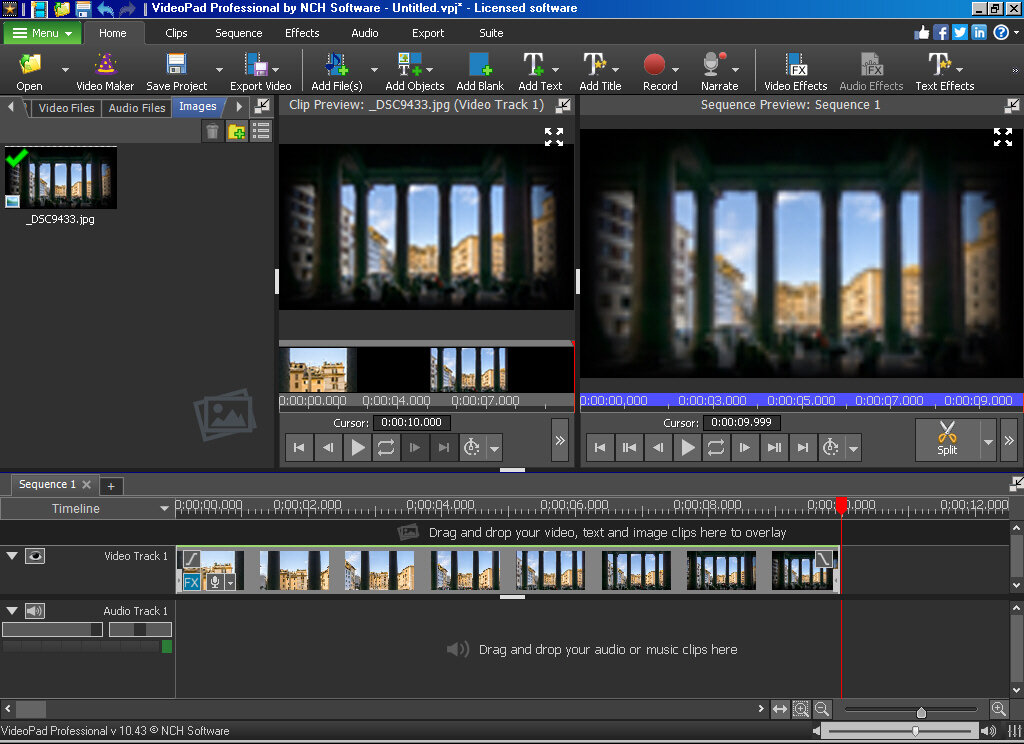
Here is VP with blurred previews after a keyframe was set... This didn't happen first time around)
Here it is after the blue FX box re-clicked...
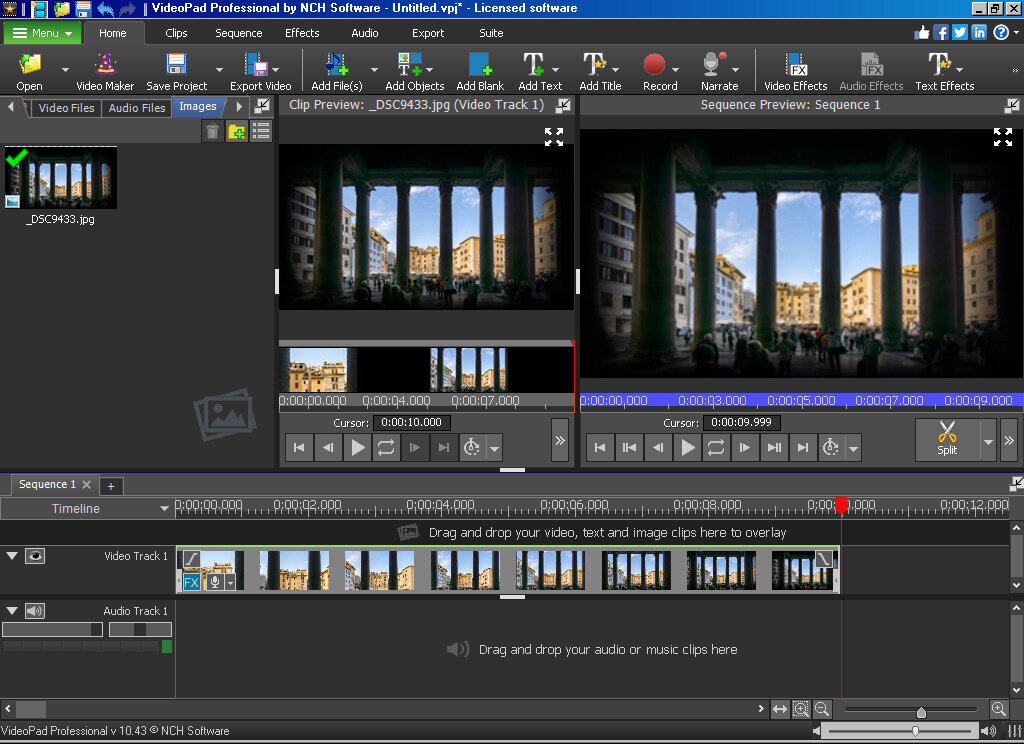
Suddenly sharper..but export rubbish.
Maybe graphics memory prob but in this instance not usable with this particular image although it worked just fine first time around.
Nat
