Hi
Apply a zoom as Borate describes. Remember that you must have start position for your first rectangle and then an end position for your second rectangle. These are set with keyframes.
"........But why can't I just tell it to zoom one small portion of the entire video?...."
You can .....but this will involve using keyframes to essentially isolate the part of the video you want to zoom. Effects (including Zoom) only work on a single clip. If the clip is actually the entire video and your zoom is a tiny section of the video then you might need to split the video so as to isolate the area you want to zoom as a short clip.
As far as repeating a specifically set up effect,(like a particular Zoom) then once you have set it up you can click the blue cassette tab to Save as an effect chain template. Your effect will then be saved to the Templates section of the effects list from where you can use it over and over again. You can animate your clip with most of the Motion and Transforms effects..
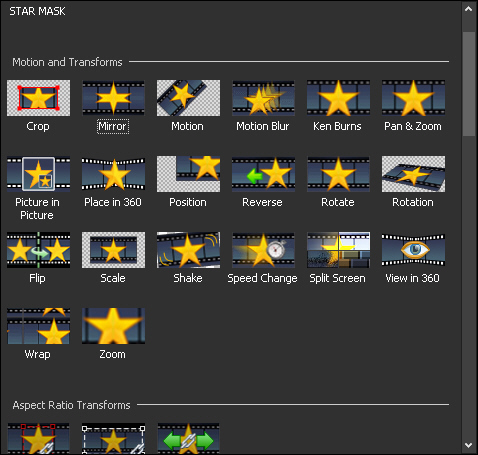
Quite complex animations can be produced by applying several effects on the same clip.
Nat

