Hi
How are you trying to add them? Normally (and simplest) is to right click the image in the clip bin (or a clip) to select it and then select
Place on Sequence/Place on Sequence at End.
This will then put the selected item onto the sequence at the end of Video track 1.
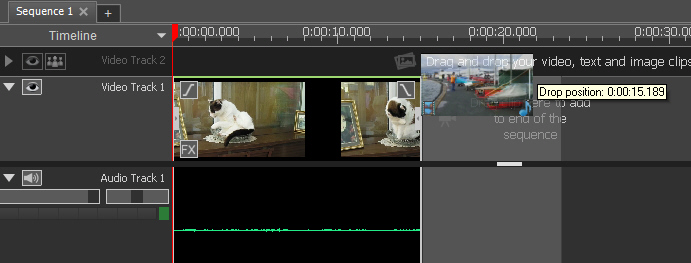
If you are dragging and dropping make sure that the vertical line with the arrows locks onto the end of the Track 1 clip. (The white arrows will disappear when correctly positioned.
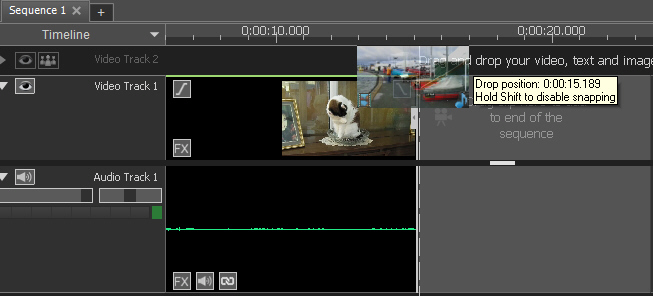
If they overlap behind, your image/clip will go to Track 2.
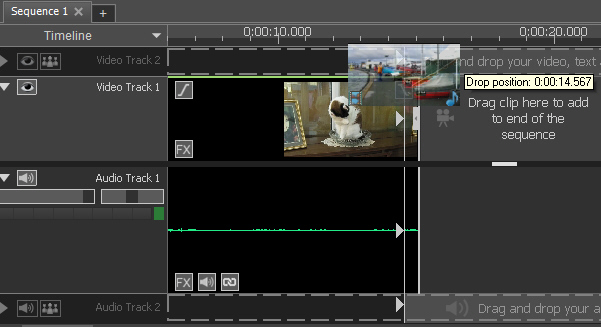
Also, note the position of the Mouse pointer. If it stays in the overlay zone the image/clip will go to Track 2. but if you drag down a little a grey rectangle behind the thumbnail will reveal the final clip/image position..
Nat