Hi
As Borate explains above, a simple text that you set up yourself can be made to scroll. (Bottom to Top/Top to Bottom/L-R etc.) The background to this text can be either transparent or coloured. If transparent,a lower video clip will be visible through it. (background clip on Video Track 1 and the text clip on Video Track 2)
The drawback from your point of view seems to be 1) You have to type the text in yourself and 2) It's too complicated. Editing does require some work on your part but once yo play with it a bit it's pretty straightforward. It's more simple than you imagine.
However, you say you already have the text you want to scroll on a coloured background as an image. This image can be made to scroll but the coloured background will obscure anything on a lower track.
To scroll this image clip just place it on a higher track and then use the Position effect with two keyframes. The first keyframe set at the start of the clip with the text positioned off the frame at the bottom, and the second keyframe set at the end of the clip with the text positioned off the top of the frame. When played the text will scroll from bottom to top. The speed will depend on the length of the text clip. (Direction of movement can be set with the Position effect...even pauses if you use more keyframes)
If you want this text image that you have already to have a transparent background just add a green screen effect to it and use the background colour as the screen colour. The text will now have a transparent background and scroll and anything on a lower track will be visible behind it. As you are using an image of your text for this there is no need to type it in or even use the "Add Text" option. You can also have the spotlight effect if you wish but you will not be able to alter the text in any way.
If, on the other hand you opt for the Add Text feature you can compose you own as well as alter the colour/font/size of everything down to individual letters but obviously this is more work...
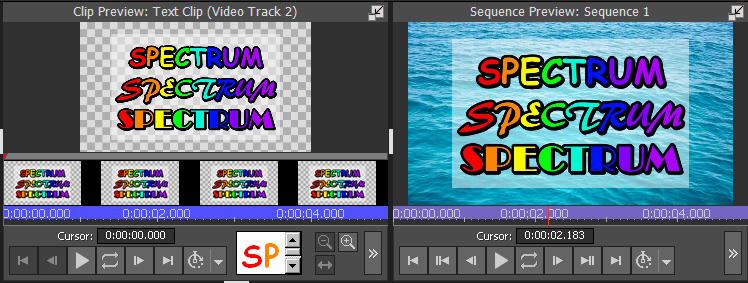
You can scroll it and use the other text styles, including an End Credits scroll.
Nat
