Hi
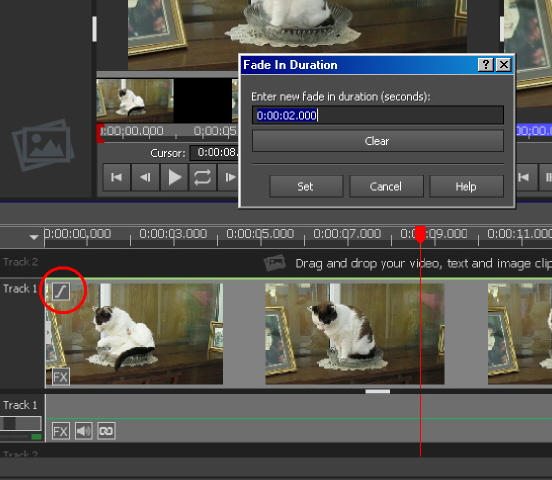
A stand alone clip can be faded in by clicking the f at the left end.
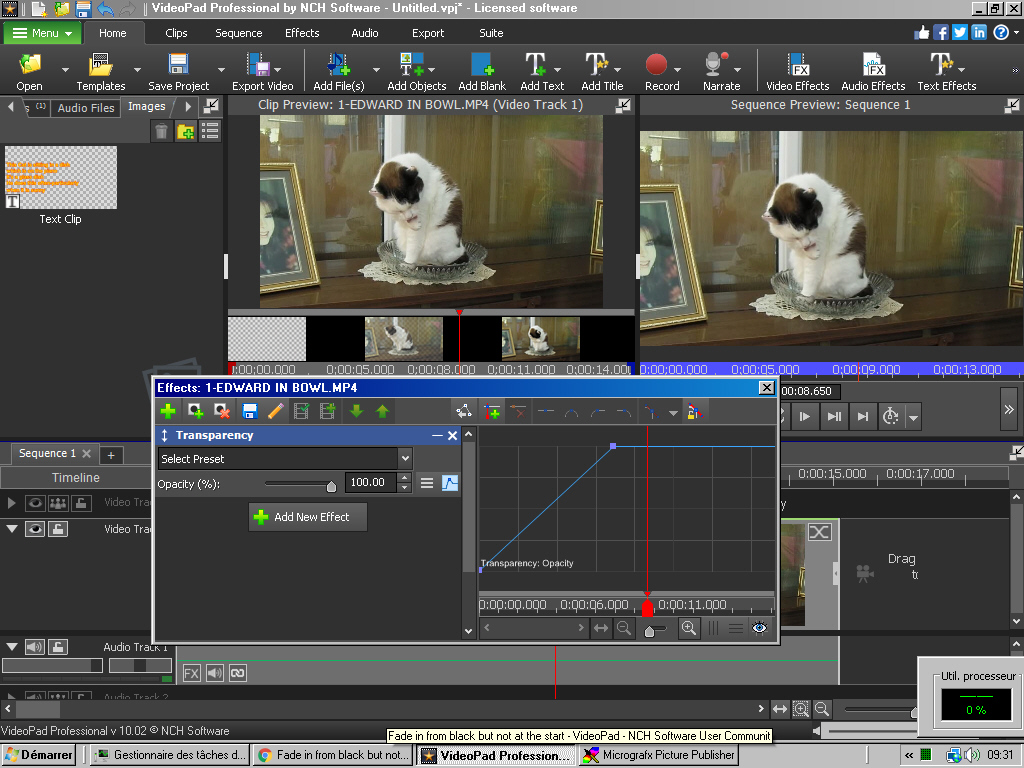
Use the Transparency effect with a start keyframe showing 0% Opacity and a second keyframe at 100% Opacity positioned where you want the fade-in to be complete.....
If you are doing this over another clip on a lower track then you may have to use a black blank below the fading in clip.
Alternatively split the clip where you want the fade in to start and then add the fade-in to the second half of the clip BUT you have to fade in from something and this is usually a different clip consequently this would look decidedly odd.🙂
Nat