Hi
"....I'm still having issues at the moment with saving audio clips. ...."
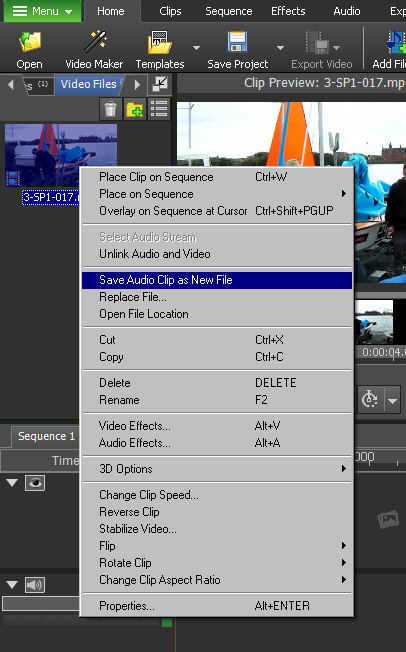
Right click on the Video clip in the Clip bin. From the menu select Save Audio Clip as a New File....
The Audio attached to the clip will be saved as a wav file in the Audio bin....
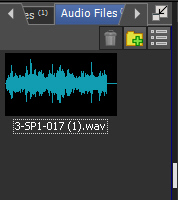
A further copy of this wav file will also be saved in the folder set up in Options/Disk It's the second box down named Captured audio. You can set up any file you like for captured images/and other clips by using the Browser tab on the right.. even the Desktop.
If you STILL can't find it Right click the file in the audio bin and select Open File Location...
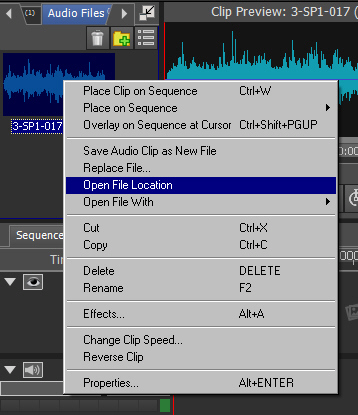
That's where it should be 🙂
Nat