Hi
"... Also with the zoom I loose a big portion of the content. Not sure What you are trying to do. .."
I cannot see why that should happen. As the project you sent (at least at my end ) is a 1024 x 576 .avi clip and consequently has an AR of 16:9 . Adding a zoom (full frame) fixed at 16:9 probably wasn't needed but should result in exactly the same export AR. It was just to swap your Auto AR effect for one which does the same thing. Removing your Auto AR effect had no effect on the clip in fact. As it stood It exported OK and looked reasonable..... This is a frame from the exported mp4 as seen in VLC....
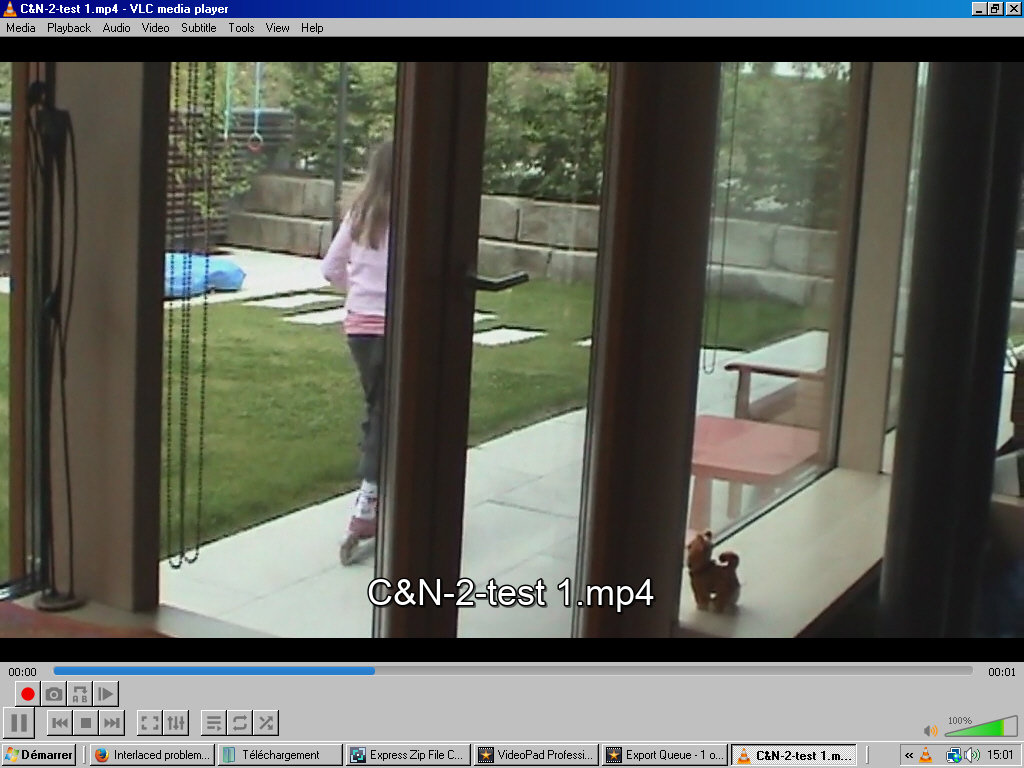
This exported mp4 looked reasonably acceptable considering it may have been stretched before it was uploaded.
HOWEVER playing the downloaded avi file in VLC showed evident interlacing of the image.....
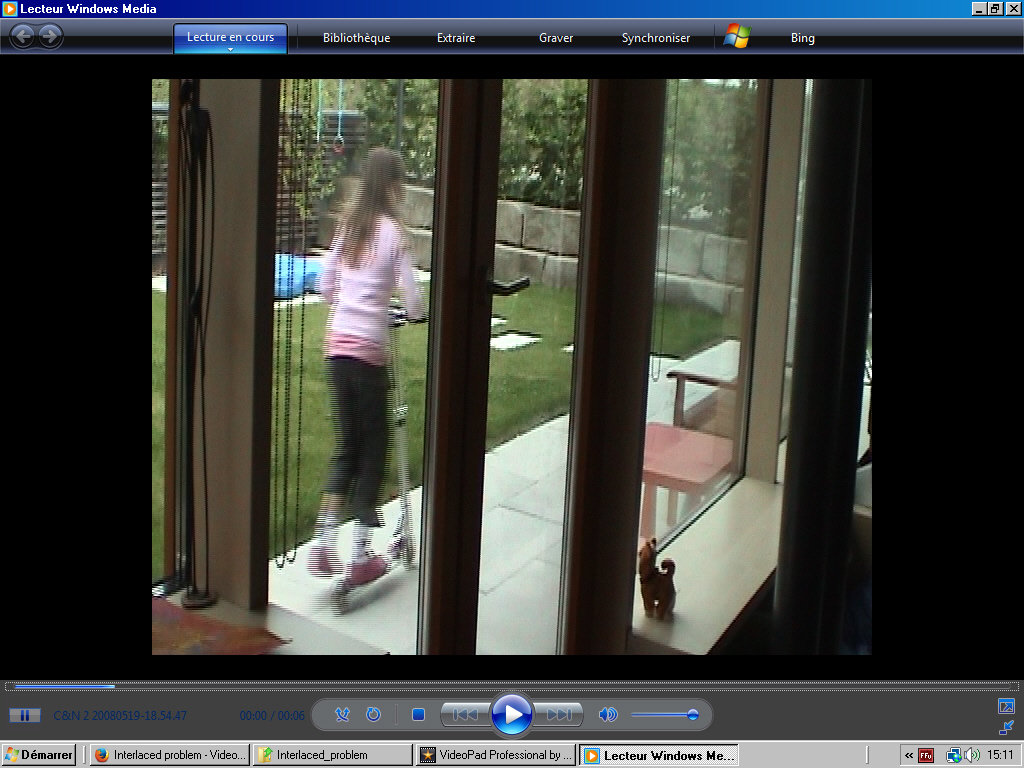
A Portion of this frame enlarged.......
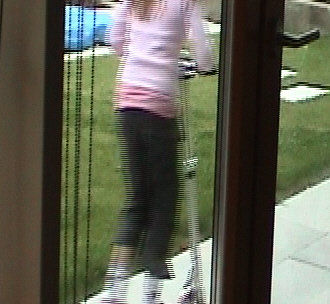
So IMO it's not a VP problem. In VP both preview and export were reasonably de-interlaced.
When you say you lost a big portion of the content, were you 16:9 zooming into a 720x576 clip. If you did that you would lose some of the image...(but zoom would leave it full frame.)
At the end of the day the result exported as an mp4 looked OK. The fact that the letterbox was activated is a default setting and made no difference in this case as letterboxing a 16:9 clip results in a 16:9 output. (If you get my drift. 🙂)
BTW Your downloaded file contained only two items.....C&N220080519-18.54.47.avi and the vpj file.
Nat