Hi Avencia
This a really odd one.....
The timeline showed no pan or zoom.....
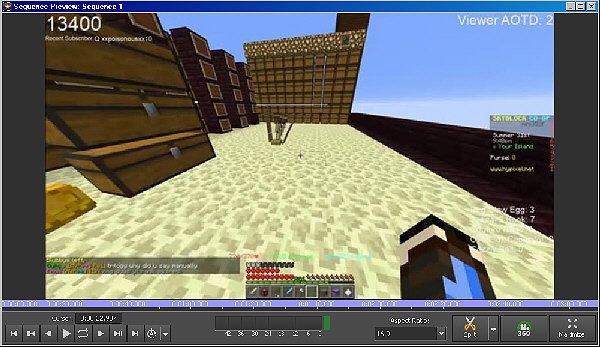
e.g. Frame from near start.....
Frame from near end...
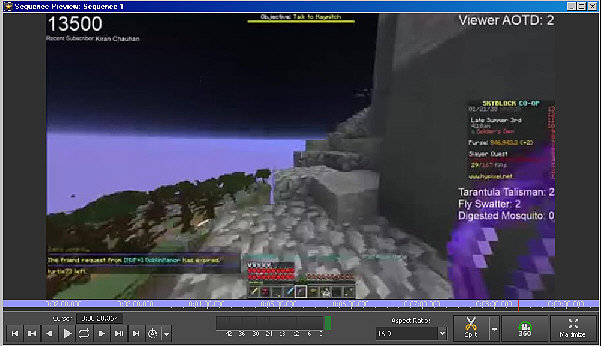
All the HUD data is present. Further...The time line is a series of separate clips extracted from one big one and is not a reloaded sequence BUT when exported it shows a Zoom........Which is wrong!
What seems to be happening......and it is probably a bug (as I don't think it should do this) is that somehow you have clicked the clip in the clip bin or indeed, Sequence 1 in the sequence bin and applied a Zoom effect to it. This does not show in the timeline or the sequence preview but seems to be active in the export which is very odd.
Another oddity is that neither the clip or the sequence in the freshly loaded project show that a zoom might have been applied. (If you actually apply a zoom to them and re-click it will show up as an effect window.) The loaded project doesn't show this.
If, on the other hand, you DO apply a zoom to the clip in the clip bin and then check the Clip preview you will see it zooming. . Conversely the timeline does not show that zoom (Although if VP is meant to work in this way it should.)
In this project however the clip bin clip does not show a zoom in it's preview....so where has it come from?
The export should always reflect what the timeline is showing. IMHO you should not be able to apply effects to clip bin clips unless the software can also place those effects onto the same clip if it is already on the timeline (chopped up or otherwise) and certainly not export them if the timeline does not show them. WYSIWYG should always be the rule. and the final say before export should be the sequence preview.
Seems there is a bug here...
Nat.
