Hi Skyfly
The VP sequence image looks reasonable here........
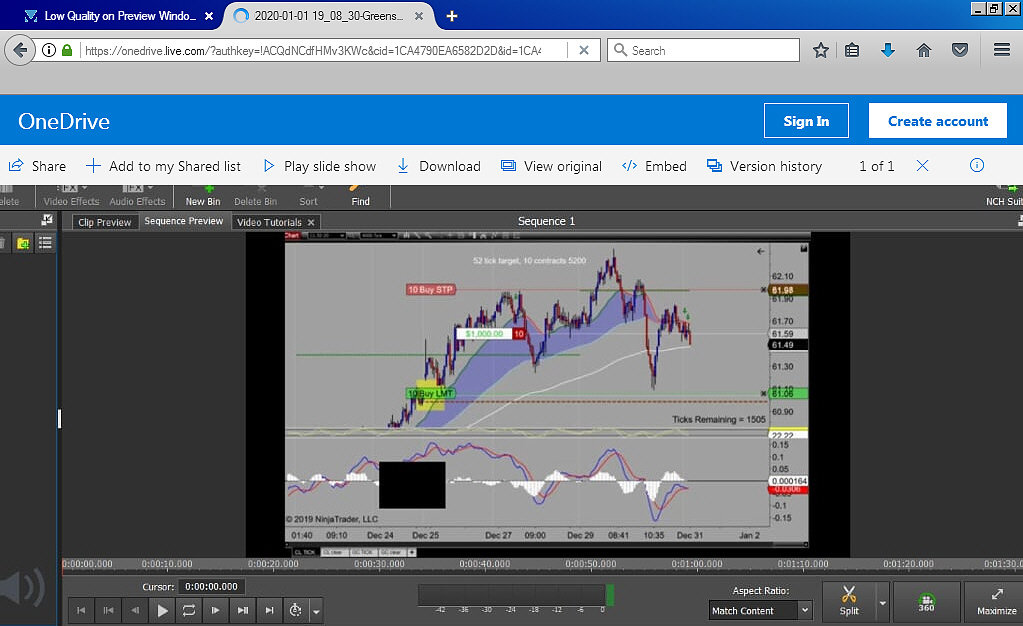
Bearing in mind that THIS screenshot image (in this post above) is a copy of YOUR screenshot image that I downloaded. However despite that, the VP text/labels on buttons and tabs etc are quite clear so it's pretty representative. IMHO the contents of the sequence window looks OK
A thing to bear in mind is that if your graph image is actually HUGE and SHARP in its original form...e.g. 4480 x 2520 , it has to be reduced in size when used in VP. In effect it's a low resolution copy that is used in the preview screen and this in itself will make it appear less clear than a full size image. (Although, as I said, this sequence preview screen area doesn't look bad) The original image resolution is retained in the cache and it is THIS image that is used during export.
If the image was big and if it was left at full resolution (but squashed up for preview in real time,) it would slow down the playback enormously which would be unacceptable. (Visions of nothing but Waiting for Preview messages.... 🙂)
In old versions of VP you could set the resolution of the preview screen but due to changes related to caching speed and replay speed the preview resolution was changed to a fixed intermediate value. (Can't remember exactly what though.)
How big IS the graph image you have used? ....
If the resolution was moderate or low the preview might not look that sharp when undocked but OK during editing.
e.g. Low res (224 x 126) and high res (4480 x 2520) images side by side in the sequence preview window......In my opinion both are acceptable and shouldn't prevent editing. ...and which is which?
Although the Hi res image appears marginally clearer obviously as it has only been reduced in size to fit the preview resolution. The lo res image has been enlarged by VP to fit the VP frame and has suffered more but the difference is minimal
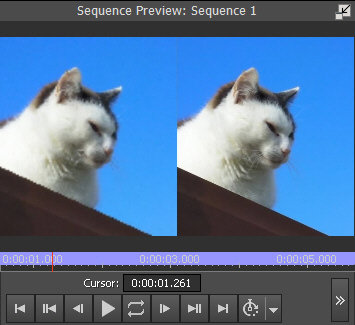
Even so they are usable.
Undocked of course the difference is easily noticeable...
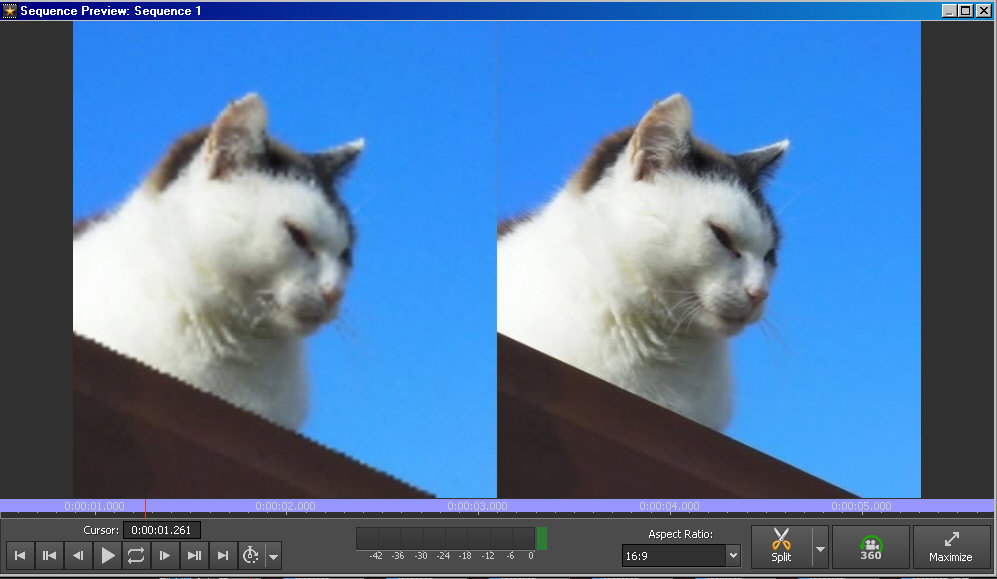
The answer most probably to your problem is to use as high a resolution as possible to ensure a clear export result but preview is limited to a fixed resolution.....but even a small , lo res 224 x 126 image should look OK.
Undocking the preview to Full Screen I believe uses the full resolution of the original but as well as covering the editing screen, playback in this mode will be VERY chunky if the images are big.
Nat