Hi Luba
Your project downloaded OK and looked OK in VP.here. Export as an mp4 but select a 16:9 resolution e.g. 1920 x 1080. (Even 3840 x 2160 (4K)
The exported result looks fine. For future videos it's best to choose an export resolution that closely matches the original contents. Here is a screenshot from the 4K mp4 export as seen in VLC...
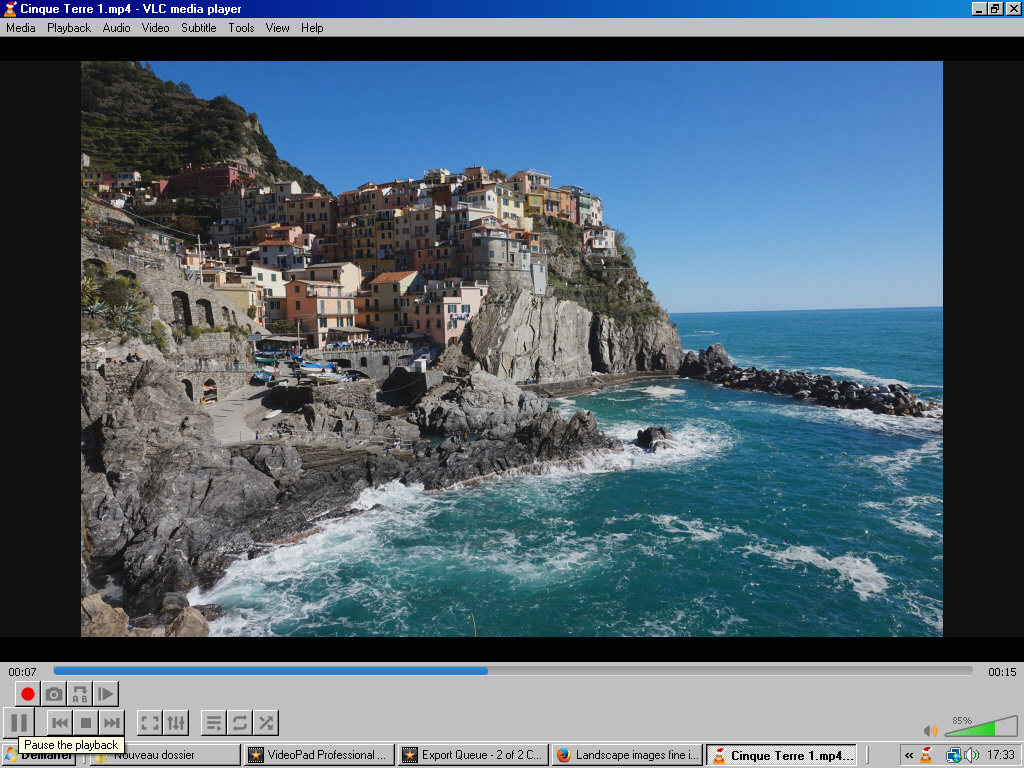
Re-setting the Resolution to Custom and then using 1616 x 1080 for the values.....the original size of this image the black border can be largely eliminated...
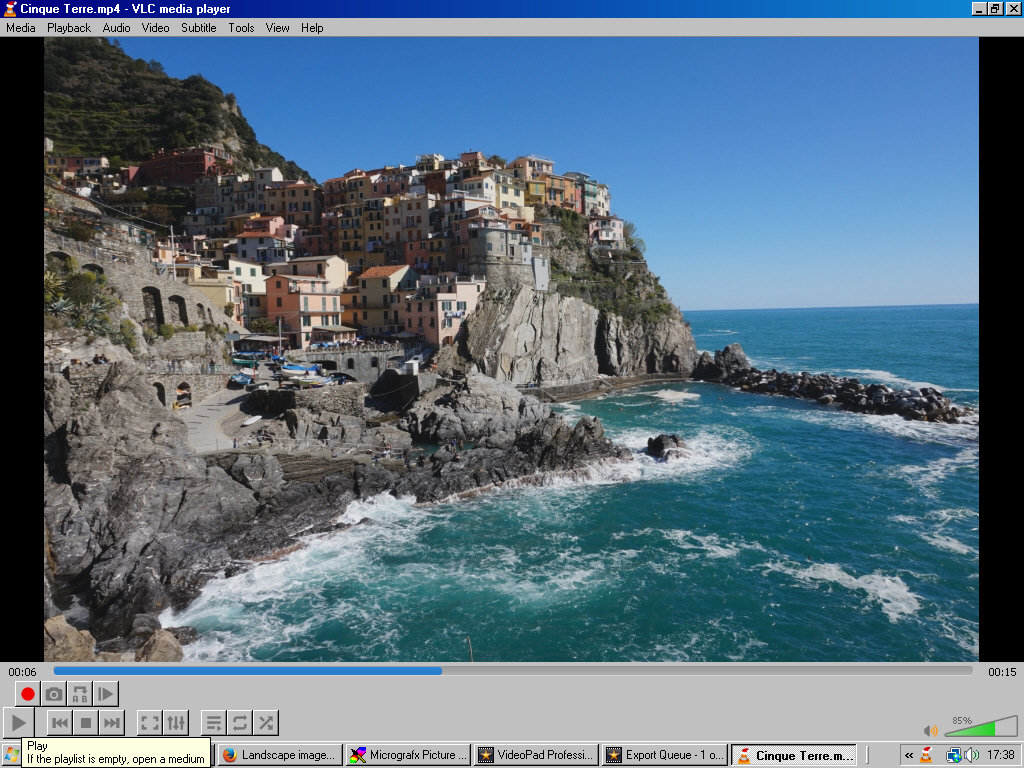
Obviously different sized images will show various borders unless selections are made to stretch or crop/zoom which may not always give a good result. I know it's not always easy but its best to use consistent image sizes and AR for the project. Modern wide screen TVs are AR 16:9 (1.777) so try to get images of that AR. VP should then export with no borders (apart from portrait images) if 16🙁 options are selected or you use Match Content.
Using Wide screen TV setting as Borate recommends is fine ...it sets the export to a 16:9 AR like my top image
Nat