Hi
Do you mean 4:3 AR or 3:4 AR ?
If your original video clips are 16:9 the and you export with an AR of 4:3 you will have black bars at the top and bottom of the frame. You can obtain an idea of what you will get if you select 4:3 as the AR of the Sequence preview screen... (Click the chevron for the menu)
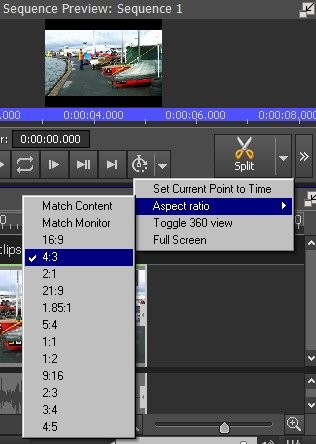
The image area will remain 16:9 but the frame will be 4:3
The only way to get a 14:3 image is to use the Zoom effect. with a 4:3 restraint. Obviously this results in a cropped image but it will be 4:3.........
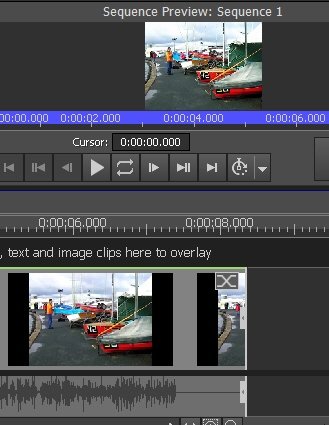
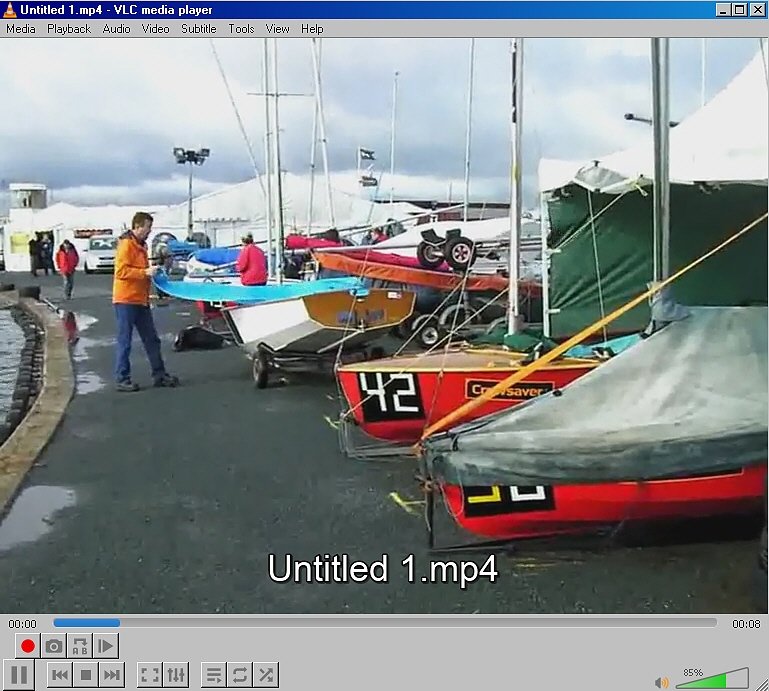
You can export this at any of the 4:3 AR formats The exported clip in VLC is 4:3 ( below) .....is zoomed to the 4:3 AR ......and there are no borders.
If you don't want to lose any of the image and still require a 4:3 frame then you don't need to zoom and you can simply export with a 4:3 AR.... You will end up with a 4:3 frame containing a 16:9 image...... and black bars at top and bottom...
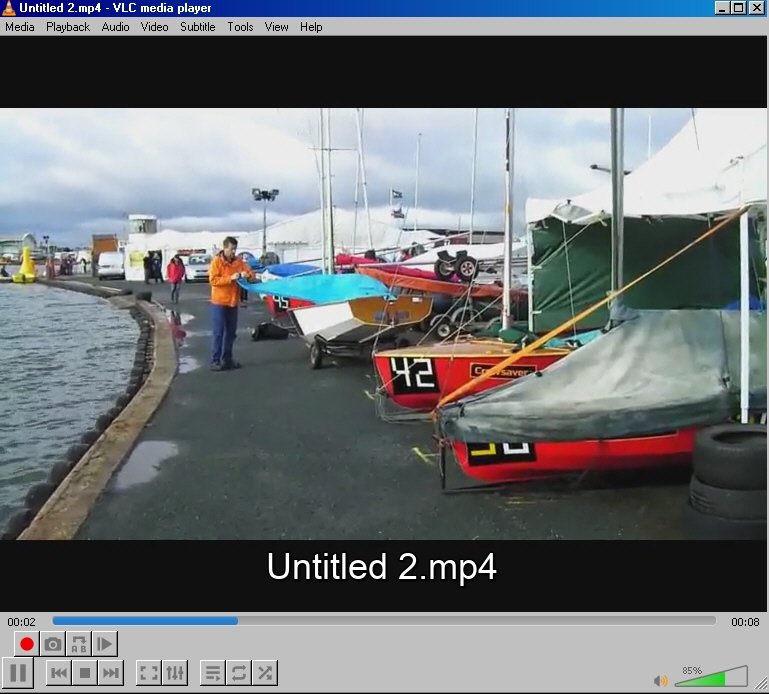
Take your pick..
Nat
