Hi
Using the Rotate effect..
To rotate Clockwise, start with 0.00 and end with whatever angle value you want, setting keyframes as required. Here the image starts vertically and rotates to 180 deg clockwise...
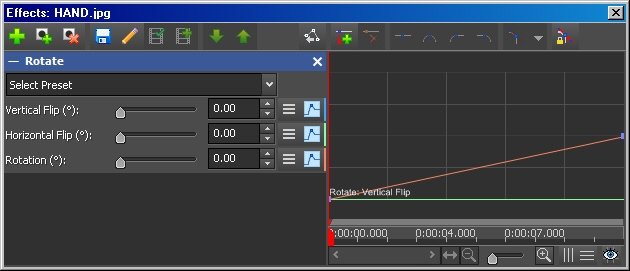
To rotate Anti-clockwise, start with 360.00 and end with any value you want. Here the image starts vertically and rotates 180 deg anti-clockwise....
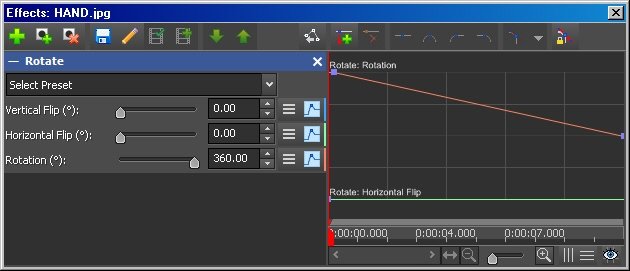
Note the slopes of the keyframe lines.
Of course you don't have to start with a vertical (0.00deg or 360.00 deg) image you can start it in any position so, for example you could animate a ticking stopwatch timing down (Clockwise from a particular angle) or timing up (Anti-clockwise from a particular angle.) It needs a transparent hand image that is animated over a blank clock face for this.
Nat