Hi MCJ97
Here I am presuming you want to retain or obtain a 16:9 AR.
Here is an example with bars to each side as the clip is 640 x 480....
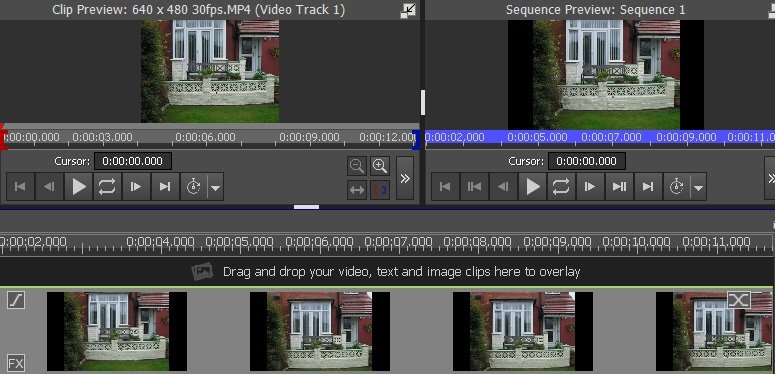
You can make this 16:9 using the Zoom effect....This will eliminate the black bars at the expense cropping the height of the clip....
Set the restraint to 16:9 and set no keyframes. Just adjust the size and position of the zoom rectangle to outline the area of interest....
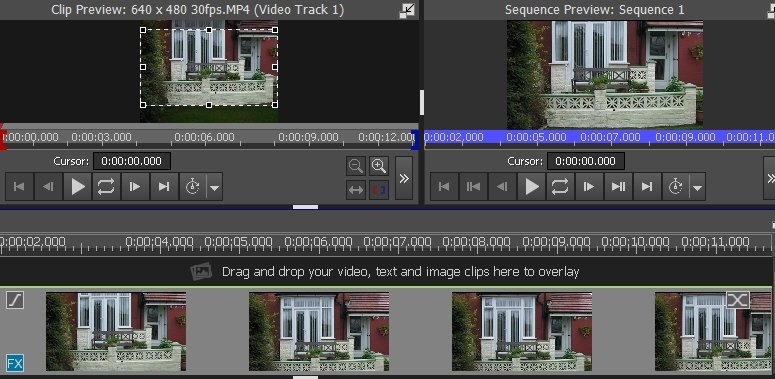
The result is a 16:9 filled frame with no bars.......
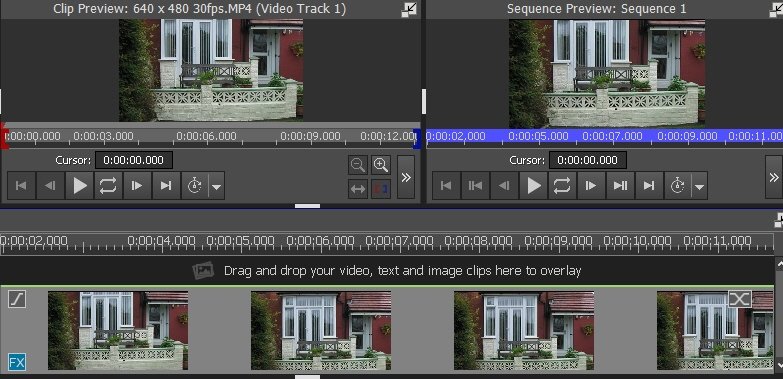
You can also choose Crop to Aspect Ratio effect from the Aspect ratio Transforms section. This option however will only (automatically) centre the cropped area. .......With the Zoom effect you can position the rectangle at any point.
Is this the result you are after?
If you want to retain the full image then in the Preview screen under Aspect ratio, select Match Content. This will remove the black bars....
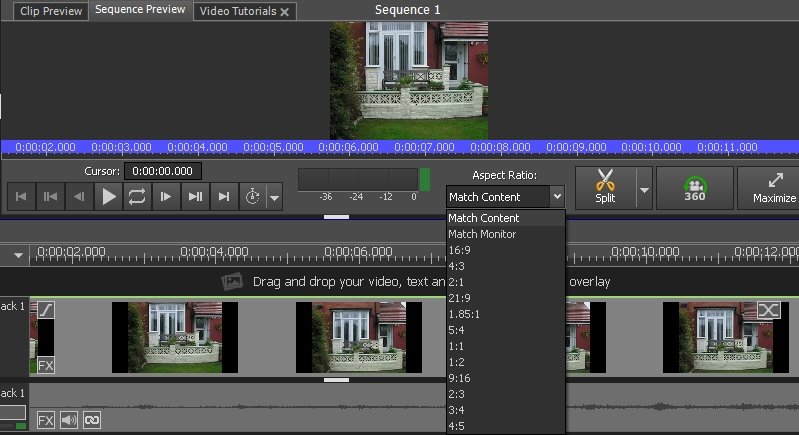
Use the same setting when exporting.
Nat