HI Non Techie
If you supply the following it may be possible to set up the scenario and see whats needed here without you having download anything.....
What is the actual size (pixel x pixel) of the image/clip that needs to be stretched? (Right click the thumbnail in the clip bin and look at Properties.)
What is the actual size (pixel x pixel) of the other images that seem to be OK? (Right click the thumbnail in the clip bin and look at Properties.)
The AR of what you see and what you get has become a little confusing with the last few versions of VP. For example the Match Monitor setting does not effect the export from VP nor the timeline appearance but the Sequence preview shows what your particular PC screen will show. (WYSIWYG)
e.g. I may have a 16:9 (1280 x 720) clip imported to VP which looks fine in the Sequence preview window when set at Match Content .....
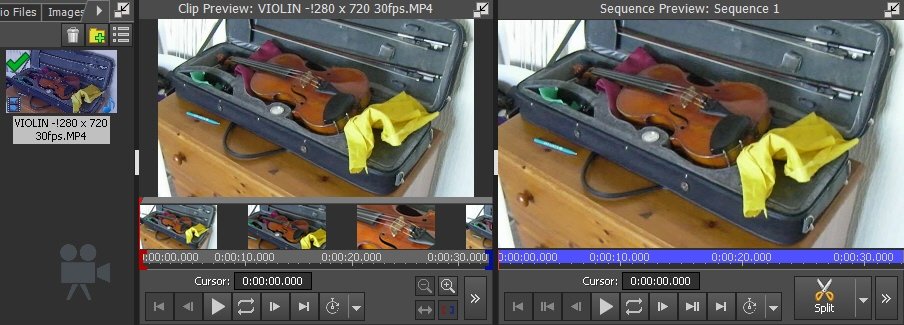
.......but I use a 1024 x 768 monitor which won't display this correctly full screen so if I set the preview display to Match Monitor the image in the preview window has black bars and shows me what my export will look like on my monitor......
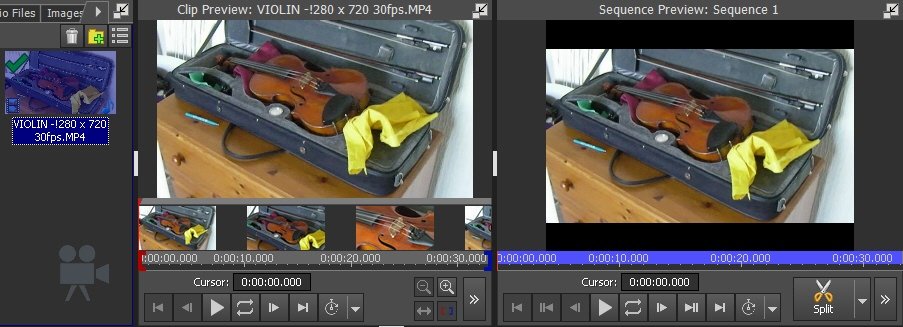
The export set as 1280 x 720 (the AR of the clip) will always (irrespective of the VP preview setting) look like this on my monitor...
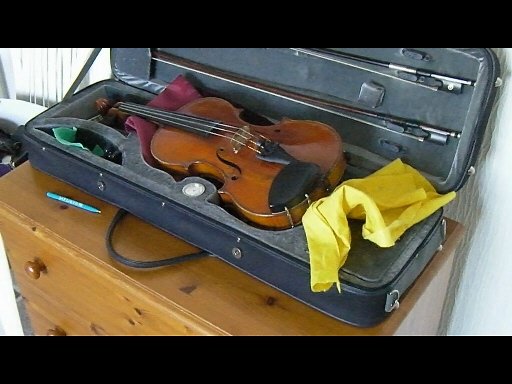
Of course I could buy a new monitor........
If you have a mixture of ARs on the timeline or choose to export at an AR different to the content, VP will offer the choice of either Letterboxing the image (you will see it all unaltered in the export but with bars top and bottom....with a 16:9 monitor)....Cropping and Zooming the export to fit the selected AR in the whole screen or Stretching the image to fit the selected AR
But note that these options are also available as video effects where they can be used to correct these type of anomalies before the project is exported.
So it can all be a bit confusing.
Anyway, post the requested data and a mock up sequence can easily be set up...
Nat
The export set as