Hi
This is an interesting problem. As I couldn't use the clip supplied on the forum I download your UT example with the blue bars. Yes. The ring moves horizontally as it turns but see my comments below.
It is possible to stop the right left motion using Position effect and keyframes as suggested by Borate. AS mentioned I did this using your original UT video having first placed a central reference line transparent image on the overlay track (Of course the blues lines also moved as they were part of the video, but the ring itself, which was the important item could be made to remain in a central position on the red line......
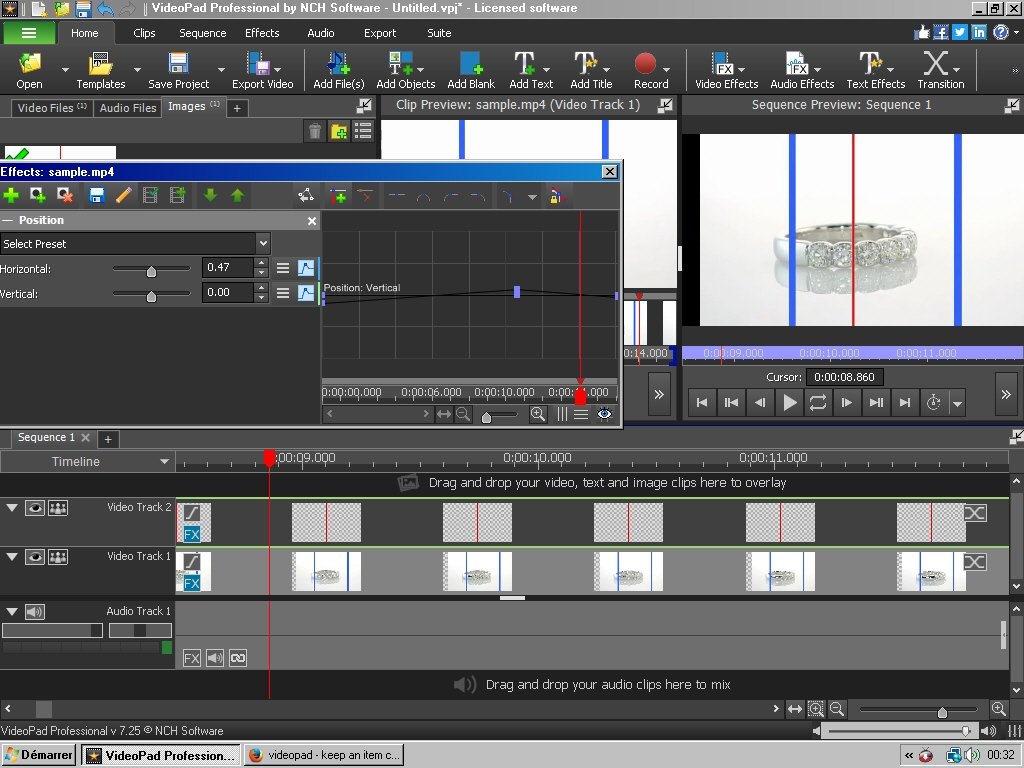
It didn't require many keyframes and only changes in the Horizontal settings. (But see below)
The image correction however meant it was out of the frame on the left and right alternately leaving a black bar (seen above at the left side of the preview window). As a consequence of this everything was moved up a track and the ring clip was added again to Video Track 1 . As it had a uniform background it effectively hid the black bars as the upper image (now an overlay) moved right and left. (But this only worked in this particular example....I did try a blank white clip but the ring image background was actually slightly grey so it was easier to use the image itself.........
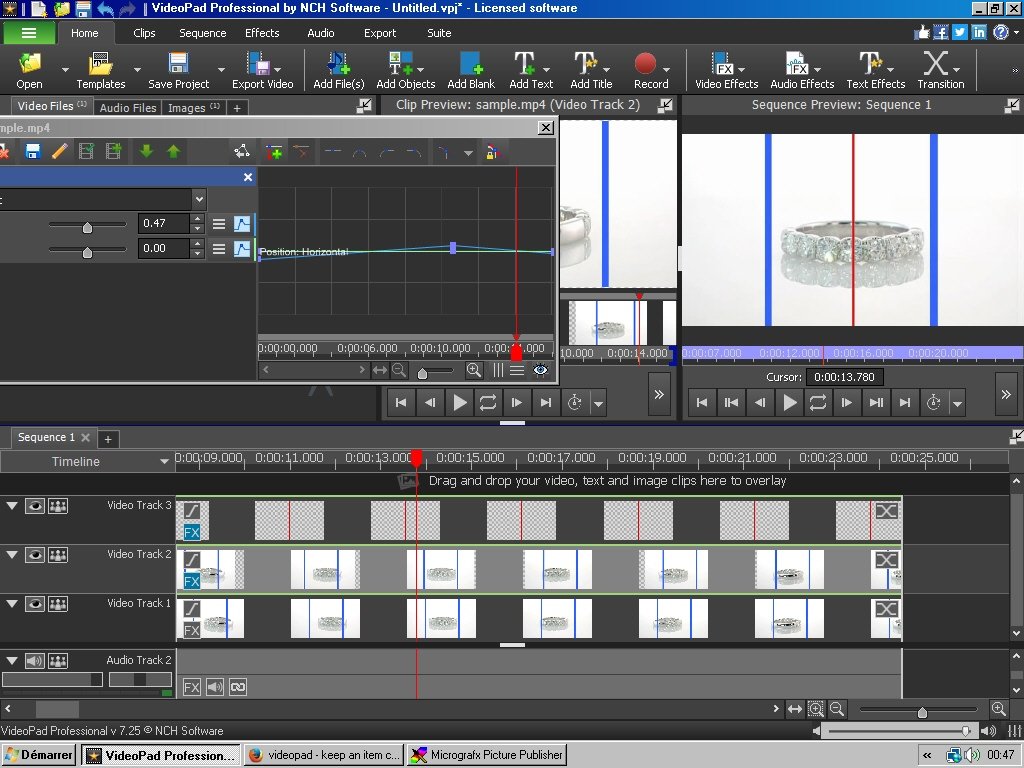
The last step was to remove the red line overlay image.....
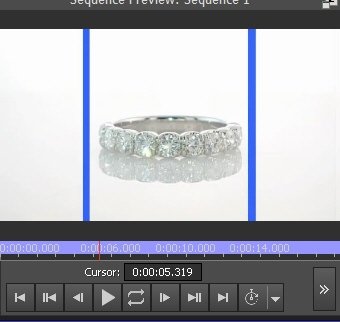
The resulting clip now showed the ring turning but remaining centered left/right in the frame..
BUT..... As it wasn't central on the turntable relative to the camera when the clip was shot, it not only moved right and left as it rotated it also moved forwards and backwards and consequently changed size.:o Furthermore, with the camera being above the plane of the ring when the clip was shot, it caused the image move up and down in the frame!!!🙁........... The Position effect would require more adjusting..
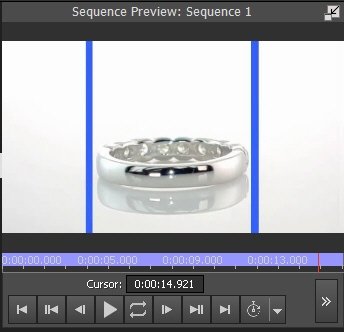
Correcting all these motions and size changes with keyframes threaten to become quite complex.....:huh:🙂 (but probably possible -_-.)
Best Solution......Shoot the clip again making certain that the camera is carefully lined up with the absolute center of the turntable and the ring is placed exactly on the axis of rotation of the turntable.
Nat
