Hi Non Techie wnh
That doesn't happen here either. (version 7.25) A 10 sec + 20 sec clip with an added 15 sec clip to the join between them gives a total clip of 45 seconds here. It's the same result using drag and drop or Borate's method of adding the clip to the red cursor line positioned at the join.
However.....
If you are using drag and drop, are you adjusting the 15 second clip to a position where the white arrows appear at the join?
This is NOT the left edge of the visible thumbnail. It is the centre of the visible thumbnail. If you don't do that the inserted clip overwrites the timeline clip.
Intuitively it should be the left hand edge of the thumbnail but NCH have decided that the centre of the thumbnail is where the start of the clip is...
For example. Here is where it seems logical to drop the clip to be inserted...left edge of the dragged thumbnail lined up on the join....
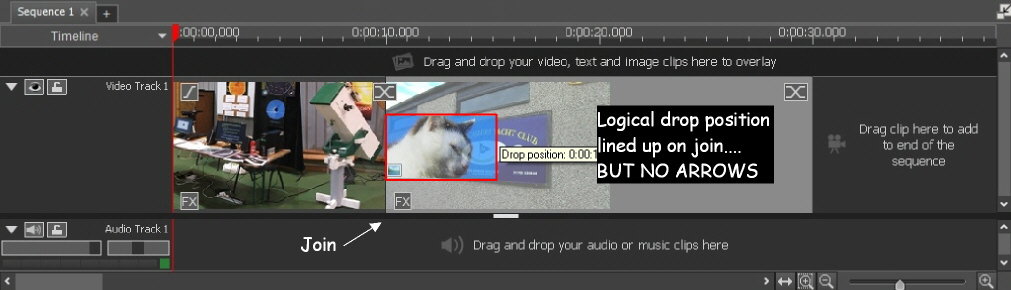
At this logical position no white line with arrows appears. Unfortunately if dropped here the incoming clip overwrites the underlying clip and timeline ends up at 25 secs in length instead of 45 seconds....
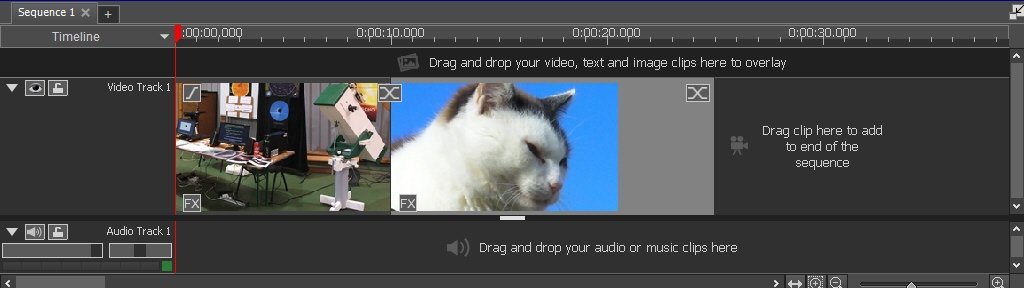
However, if the clip is adjusted so it straddles the join, the white arrows on a white line appear at the join ......
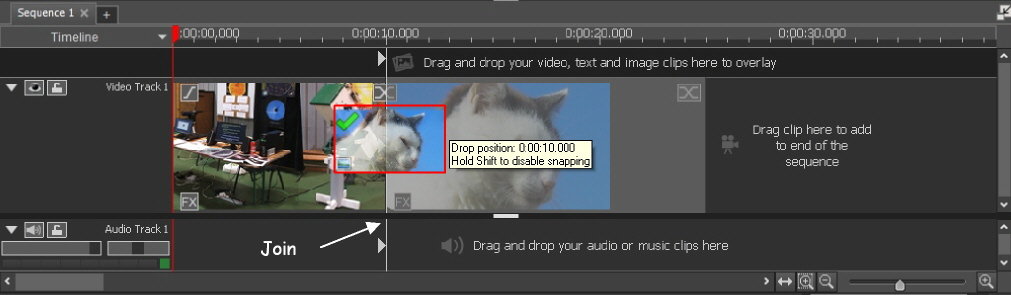
When released the new clip is inserted correctly....
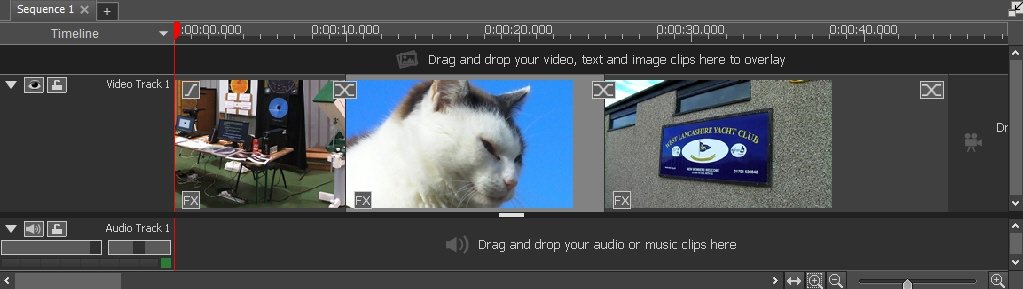
The timeline is now 45 seconds in length. (10+15+20)
I don't think this is a bug as such, it's a UN-intuative feature of the software. Something to be aware of when inserting clips. If you are going to insert away from a join use the red cursor line to mark the spot and use Place on sequence at the cursor from the clip bin menu as outlined in Borate's post. (Although if you are still going to drag and drop to the cursor line note the advice given in this post.)
Nat