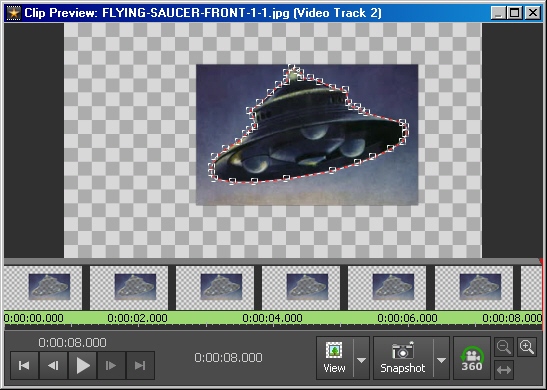
If you want to move / animate an object that has been isolated using the mask effect using "Mask Inside" and a transparency effect, you then need to apply a "Clear Mask" effect (the button next to "Add mask" with a red x), and you can then use the position, rotate, motion, whatever effect as you wish.
You can also move all points in the mask at once by drag-selecting all the points (click down, drag rectangle over points, release mouse button).
Note that you can also add masks after a clear mask effect, or use a new mask effect without clearing to change the shape of the mask.